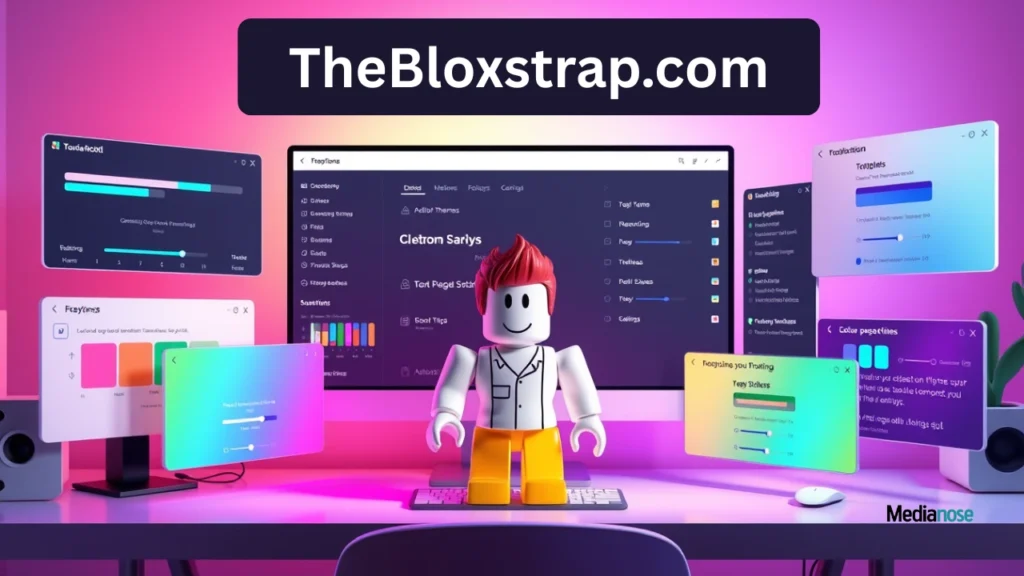
If you play Roblox often, you already know how frustrating slow loading, lag, or limited control over settings can be. This is exactly why tools like TheBloxstrap.com have become so popular among gamers who want a smoother, more flexible experience. In this blog, I’ll walk you through everything you need to know about this powerful Roblox launcher—how it boosts performance, what features stand out, and why so many players rely on it every day. The goal is to help you understand how TheBloxstrap.com fits into your gaming routine and how it can actually make Roblox feel better than ever.
What Is TheBloxstrap.com and Why It Matters for Roblox Players?
TheBloxstrap.com is more than just another launcher; it’s a smart enhancement tool built for Roblox users who want better control over performance and customization. While the regular Roblox launcher works fine, it doesn’t give you much freedom to tweak settings or optimize your game. This is where TheBloxstrap.com steps in to give you features that genuinely improve the way Roblox performs on your system. Many players don’t realize how much smoother the game can feel until they try a launcher that actually works with their hardware instead of against it.
The reason this launcher feels special is because it allows you to modify graphics, loading behaviors, and UI elements without needing any technical knowledge. It’s designed for beginners but powerful enough for experienced gamers who want deeper control. The tool also focuses heavily on performance stability, which means your game crashes less, loads faster, and stays more consistent during long sessions.
Another key point is transparency. The tool is open-source, meaning players can check how it works and confirm that it’s safe. This level of trust is a big reason why the community prefers it over random third-party boosters. The launcher also receives active updates, ensuring it supports new Roblox versions without delay. By combining stability, customization, and ease of use, it becomes a reliable companion for anyone who wants to elevate their Roblox experience.
Also Read


Key Benefits You Immediately Notice
- Faster game launch time
- Reduced stuttering in busy Roblox worlds
- Custom themes and UI tweaks
- More precise control over version management
How TheBloxstrap.com Improves Roblox Performance

The main reason users install TheBloxstrap.com is for better performance. This launcher optimizes multiple parts of Roblox that you normally can’t access or modify. When you open Roblox through the launcher, it handles the loading process in a more efficient way that reduces unnecessary delays. You’ll notice that maps load quicker, textures pop in smoother, and the overall gameplay feels more stable than before.
Another important factor is FPS management. Many players struggle with sudden frame drops, especially in crowded game worlds. TheBloxstrap.com gives you the ability to unlock FPS, adjust graphics behavior, and stabilize visuals without putting extra load on your system. This helps maintain steady performance even when the game gets intense. You no longer have to deal with random slowdowns that break immersion during gameplay.
The launcher also manages updates more intelligently than the default version. Instead of downloading full files every time Roblox pushes an update, it applies changes more efficiently. This reduces waiting time and lowers internet usage, which is especially helpful for players with slower connections. Over time, these small improvements add up to a noticeably smoother gaming experience.
How Performance Boosting Works Internally
- Smarter resource allocation
- Lighter update downloads
- Improved memory usage during gameplay
- Faster asset loading
Customization Features That Make Roblox More Enjoyable
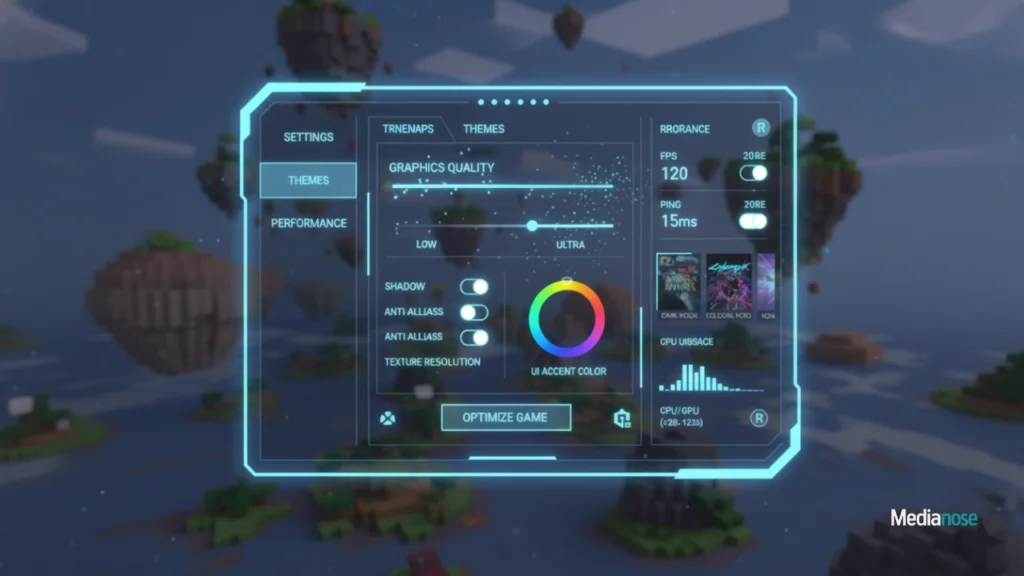
Customization is one of the biggest reasons players switch to TheBloxstrap.com. The default Roblox launcher is simple but offers very limited control. With Bloxstrap, you can personalize almost every part of your experience. The launcher lets you install themes, change UI layouts, and even switch between different Roblox versions if a new update causes issues. These options make Roblox feel more tailored to your preferences.
Another great feature is the ability to modify performance settings individually. You can choose how graphics behave, how loading screens appear, and whether or not certain animations run. This level of customization helps you fine-tune the game for your device. It’s perfect for both high-end systems and budget devices because the launcher adapts to what your PC can handle. You get smoother performance without sacrificing visual clarity.
The customization controls are built in a very user-friendly way. Even if you’re not tech-savvy, you can easily navigate through the options and apply changes. The interface is clean, simple, and guides you through each feature without overwhelming you. This ensures that both experienced players and beginners can enjoy the full potential of the launcher.
Popular Customization Options
- Theme selector
- UI modification tools
- Version switching
- Advanced graphics settings
Performance Comparison Table
Below is a simple comparison showing how TheBloxstrap.com improves performance versus the default Roblox launcher:
| Feature | Default Launcher | TheBloxstrap.com |
|---|---|---|
| Launch Speed | Moderate | Faster |
| FPS Stability | Average | High |
| Customization | Very limited | Extensive |
| Update Efficiency | Standard downloads | Optimized updates |
| Crash Frequency | Occasional | Reduced |
Is TheBloxstrap.com Safe to Use?
Safety is one of the first concerns players have when downloading third-party tools. The good news is that TheBloxstrap.com is open-source, meaning anyone can view its code and confirm that it doesn’t contain harmful elements. This transparency has built strong trust within the Roblox community. Many well-known developers and players have tested and recommended it for long-term use.
The tool also avoids modifying Roblox files in ways that could lead to bans. It operates more like an enhancer that manages how the launcher behaves without breaking Roblox’s rules. This makes it a reliable option for players who want improved performance without risking their accounts. As long as you download it from the official source, you are safe to use it.
FAQs
1. Is TheBloxstrap.com allowed by Roblox?
Yes, it is widely considered safe because it does not interfere with core game files or violate Roblox’s terms. Many players have used it for years without issues.
2. Can TheBloxstrap.com increase FPS in Roblox?
Yes, the launcher provides FPS unlocking options and helps stabilize performance, which often results in smoother gameplay and higher frame rates.
3. Does it work on all Windows PCs?
The launcher works on most modern Windows systems. If your PC can run Roblox, it can usually run Bloxstrap without problems.
4. Is TheBloxstrap.com free to use?
Yes, it is completely free and open-source. You don’t need to purchase anything to access its features.
Conclusion
TheBloxstrap.com is one of the most useful tools for Roblox players who want a smoother, more customizable gaming experience. It boosts performance, improves stability, and gives you control over settings that the default launcher doesn’t offer. Whether you want faster loading, better FPS, or a personalized interface, this launcher makes Roblox feel more optimized and enjoyable. If you’re serious about getting the best performance out of your game, trying TheBloxstrap.com is definitely worth it.